> ## Documentation Index
> Fetch the complete documentation index at: https://emiloju.mintlify.site/llms.txt
> Use this file to discover all available pages before exploring further.
# Authentication methods
> Learn how to authenticate your app with the API.
## Overview
There are three ways to authenticate your app with The Movie Database (TMDB) API. They include the following:
1. Application level authentication (ALA) - Default method.
2. User authentication.
3. Guest sessions.
Application level authentication would generally be considered the default way of authenticating yourself on the API.
You can authenticate with either your `api_key`, or by using your `access_token` as a bearer token.
### Access Token
The default method to authenticate is with your `access_token`. This token is expected to be sent along as an Authorization header.
A simple cURL example using this method looks like the following:
```bash Example theme={null}
curl --request GET \
--url 'https://api.themoviedb.org/3/movie/changes' \
--header 'Authorization: Bearer '
```
### API Key
The API Key is the second authentication method. Although, it cannot be used for all endpoints.
Use the `api_key` over the `access_token` only when you really need to. For example, the [Get account details](/api-reference/accounts/get-account-details) endpoint uses an API Key.
A simple cURL example using the `api_key` looks like the following:
```bash Example theme={null}
curl --request GET \
--url 'https://api.themoviedb.org/3/movie/changes?api_key=79191836ddaa0da3df76a5ffef6f07ad6ab0c641'
```
You can authenticate TMDB users within your application to extend the TMDB experience within your application. This will let your users (who also have an account with us) do things like rate movies,
maintain their favourite and watch lists as well as do things like create and edit custom lists, all while staying in sync with their account on TMDB.
User authentication is controlled with a `session_id` query parameter. Read this [guide](/api-reference/user-authentication) to see how to generate a `session_id`.
After getting the `session_id`, use it as a query parameter in each endpoint as seen in the code below:
```bash Example theme={null}
curl --request GET \
--url 'https://api.themoviedb.org/3/movie/11?session_id=79191836ddaa0da3df76a5ffef6f07ad6ab0c641' \
--header 'Authorization: Bearer eyJhbGciOiJIUzI1NiJ9.eyJhdWQiOiIxMDJlNzYzODBkM2NiZGVmMmY2NjQzNzg3ZjkyMzZmYiIsIm5iZiI6MTczMzE3MDMzNi4yNDYsInN1YiI6IjY3NGUxNGEwMGU4M2U0YmUyNTJjZWQyZiIsInNjb3BlcyI6WyJhcGlfcmVhZCJdLCJ2ZXJzaW9uIjoxfQ.ZT61q1NoOlzVMBVMZJQ2sSZZQ7P7KZmtr8Vw19C0Ies'
```
You should treat this key like a password and keep it secret.
Guest sessions are a second type of user authentication that allows your users to access the API without logging in. However, they have limited permissions as they can only rate a movie, TV show and TV episode.
Creating a guest session is as simple as calling the [new guest session](/api-reference/authentication/create-guest-session) method.
Just like a fully authorized user session, guest sessions should be kept private as they tie a session within your application to a single token.
## How to get authentication credentials (API key and bearer token)
Please note that the API registration process is not optimized for mobile devices so you should access these pages on a desktop computer and browser.
[Create](https://www.themoviedb.org/signup) a TMDB account or [login](https://www.themoviedb.org/login) to access your dashboard
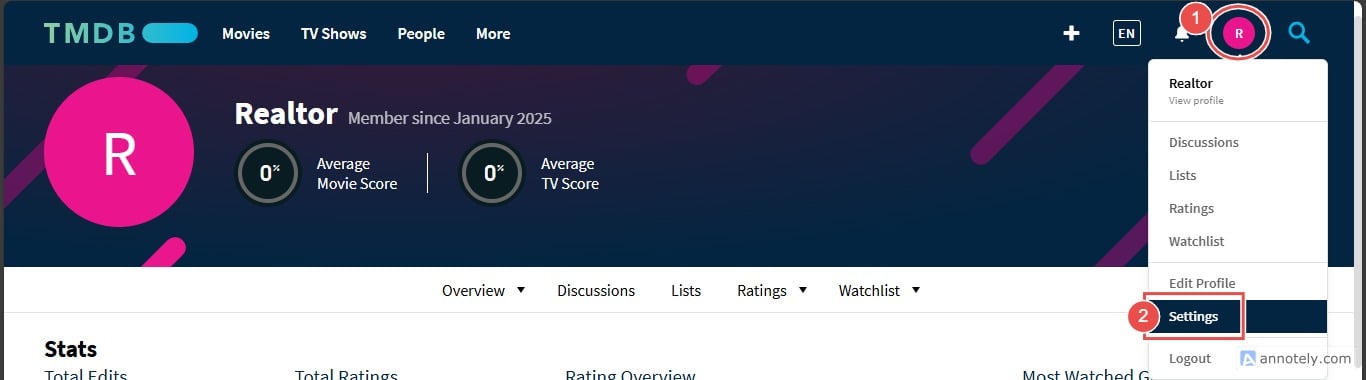
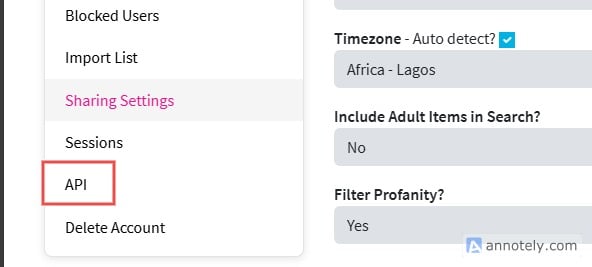
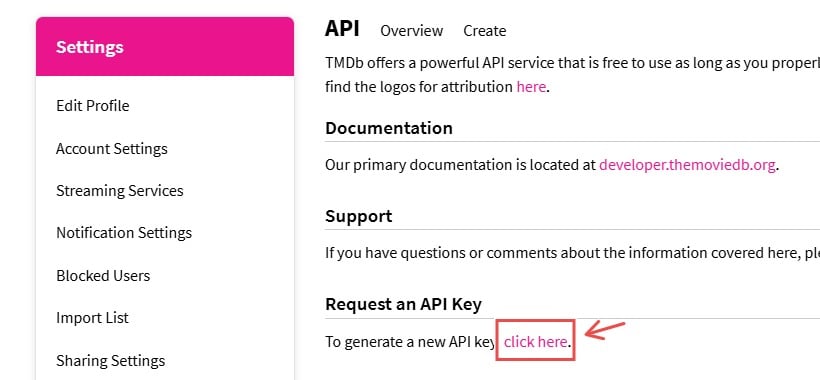
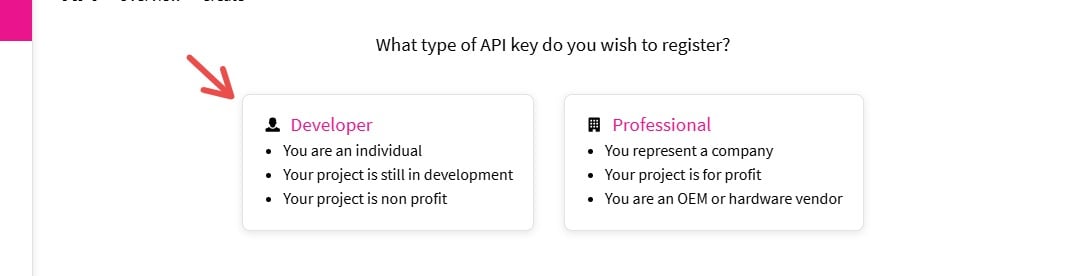
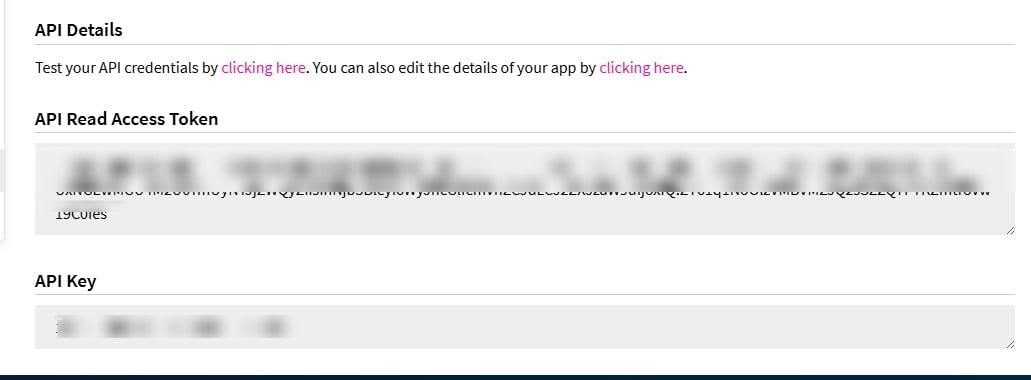
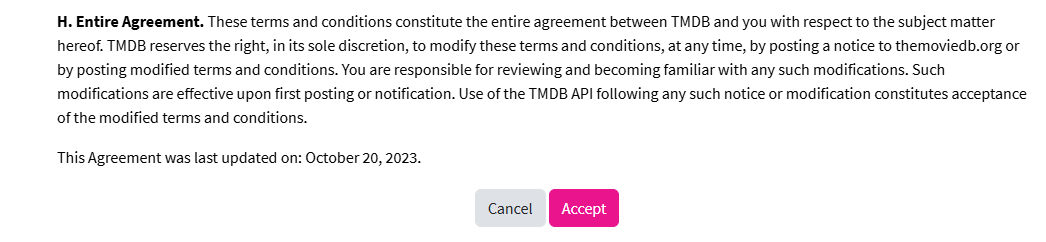 After submitting the application, you can access both your API key and Bearer token as seen below: